



















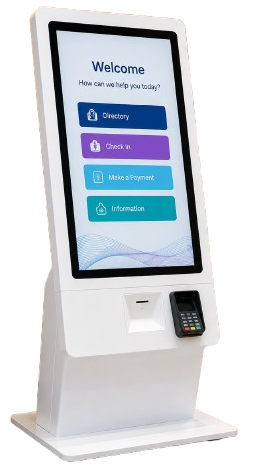
Kiosk Displays: Interactive Display Solutions for the Future of Self-Service
Discover the Right Kiosk Display Technology for Your Application
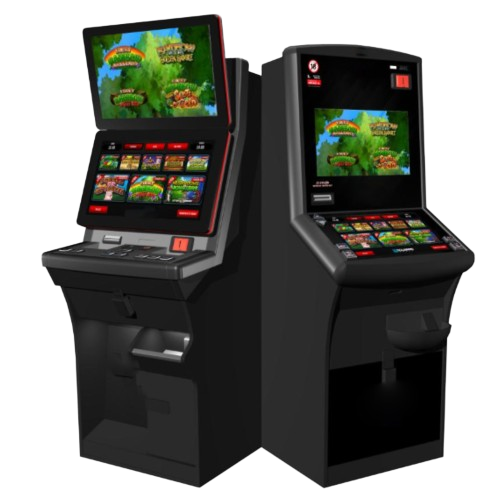
Kiosk displays are becoming an increasingly important part of the way people interact with businesses, services and information.
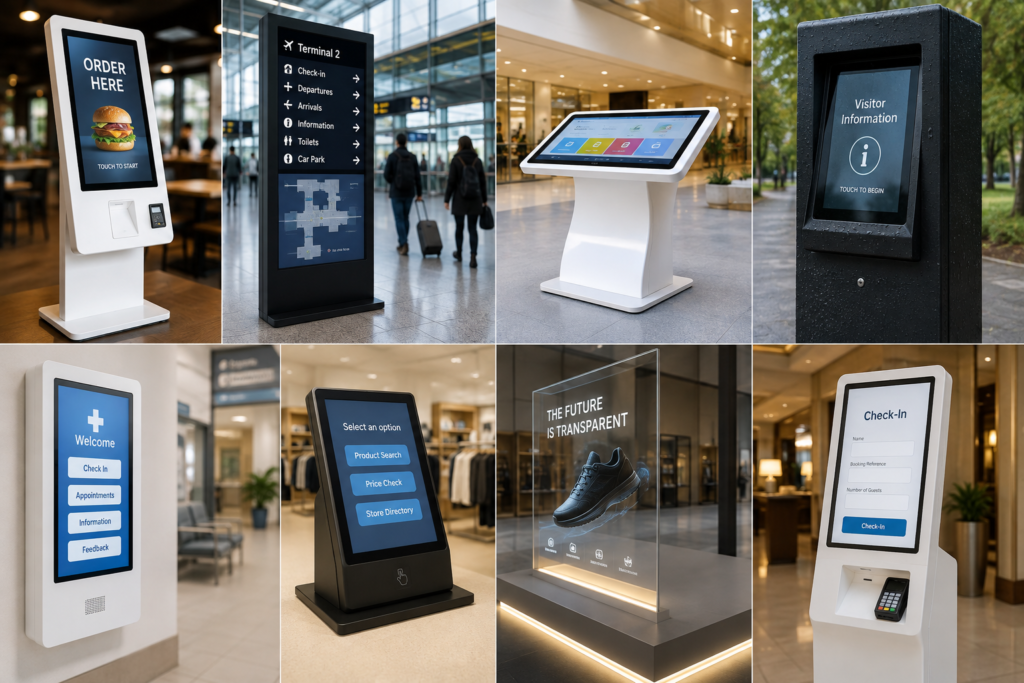
From ordering food and checking into a hotel to navigating a hospital, purchasing tickets or exploring products in a retail store, interactive kiosks can provide a fast, convenient and intuitive interface between the user and the technology behind the application.
At Crystal Display Systems (CDS), we understand that the display is one of the most important parts of any successful kiosk. That is why we have launched our dedicated Kiosk Displays webpage, bringing together a range of display technologies designed for self-service, interactive and information kiosk applications.
Whether you require a simple touchscreen, an integrated computer, an outdoor solution or something completely bespoke, choosing the correct display technology can make a significant difference to both the user experience and the long-term reliability of the kiosk.
What Is a Kiosk Display?
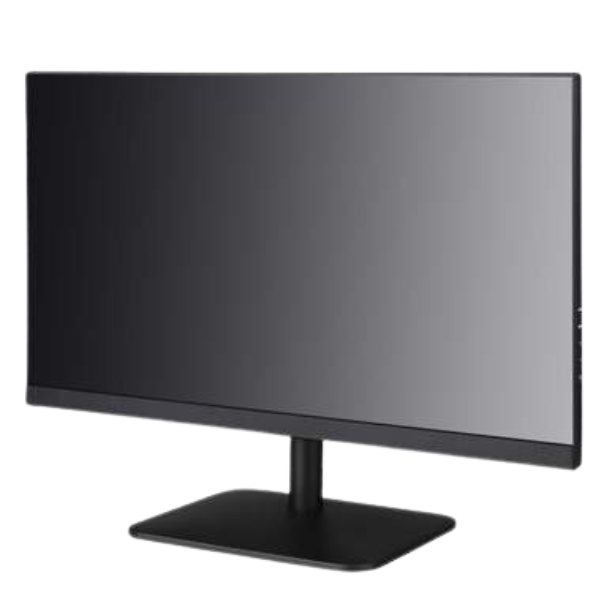
A kiosk display is the visual interface used within a self-service or interactive kiosk.
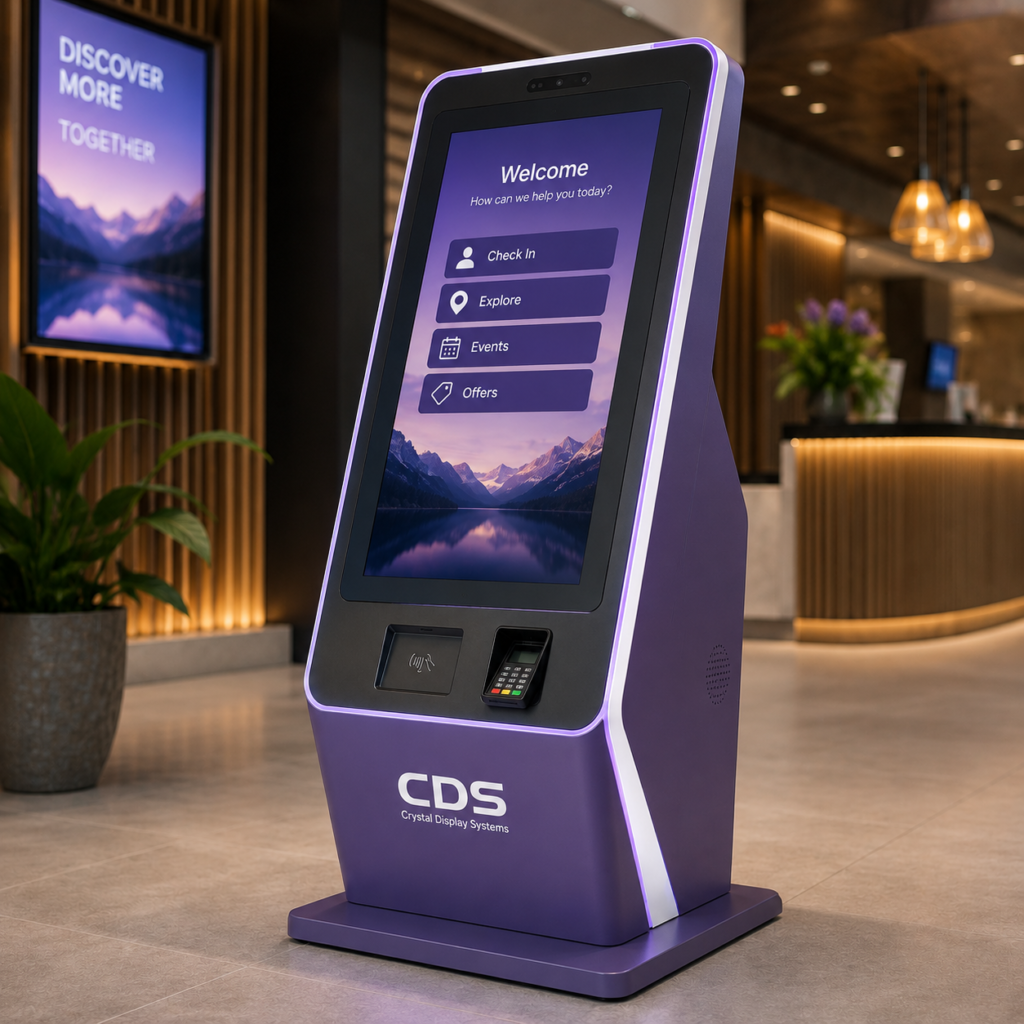
In many applications, the screen is also the primary method of interaction, using touchscreen technology to allow users to select products, enter information, navigate menus, check in, make bookings or access digital content.
Modern kiosk solutions can incorporate much more than a conventional LCD monitor. Depending on the application, a kiosk could use:
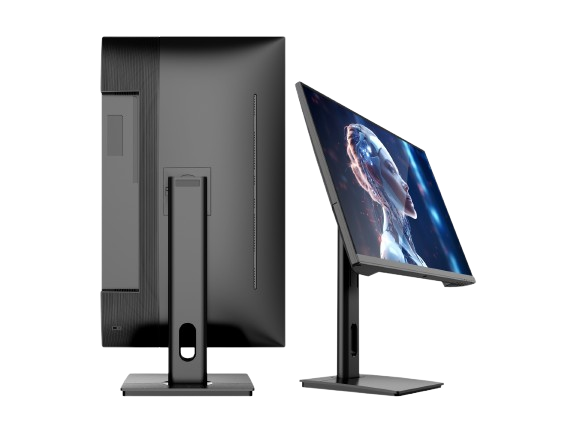
- Touchscreen monitors
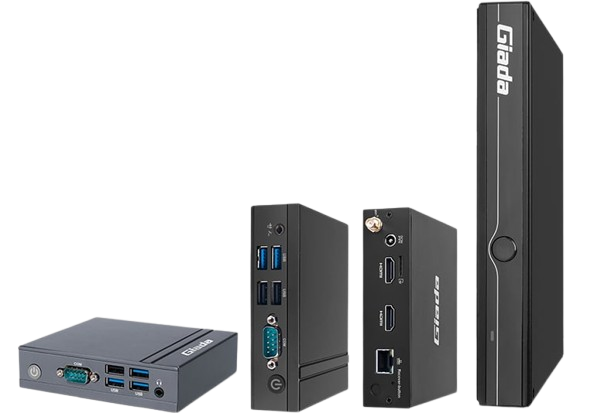
- Industrial Panel PCs
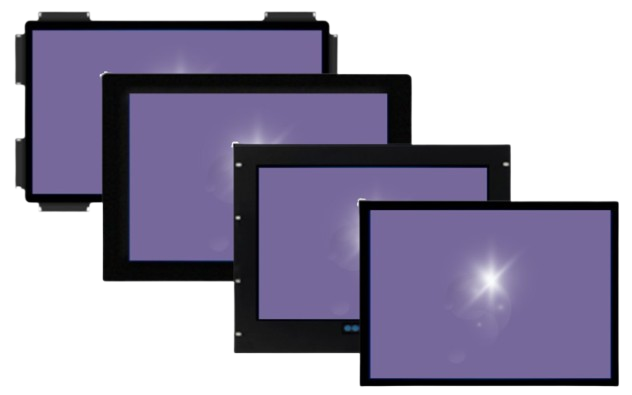
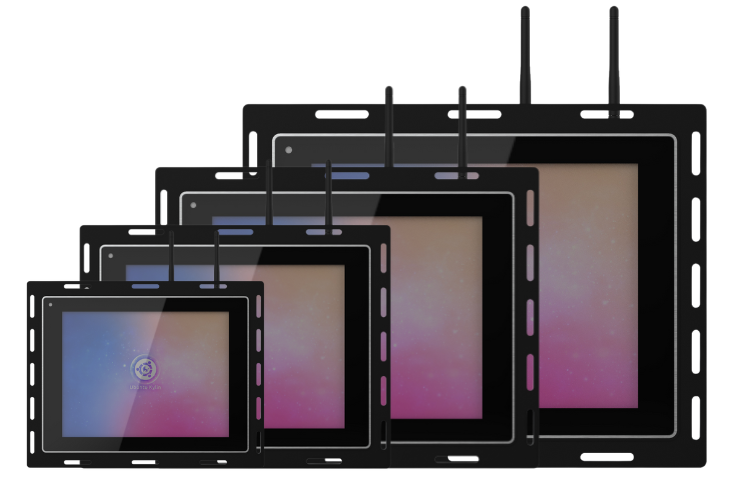
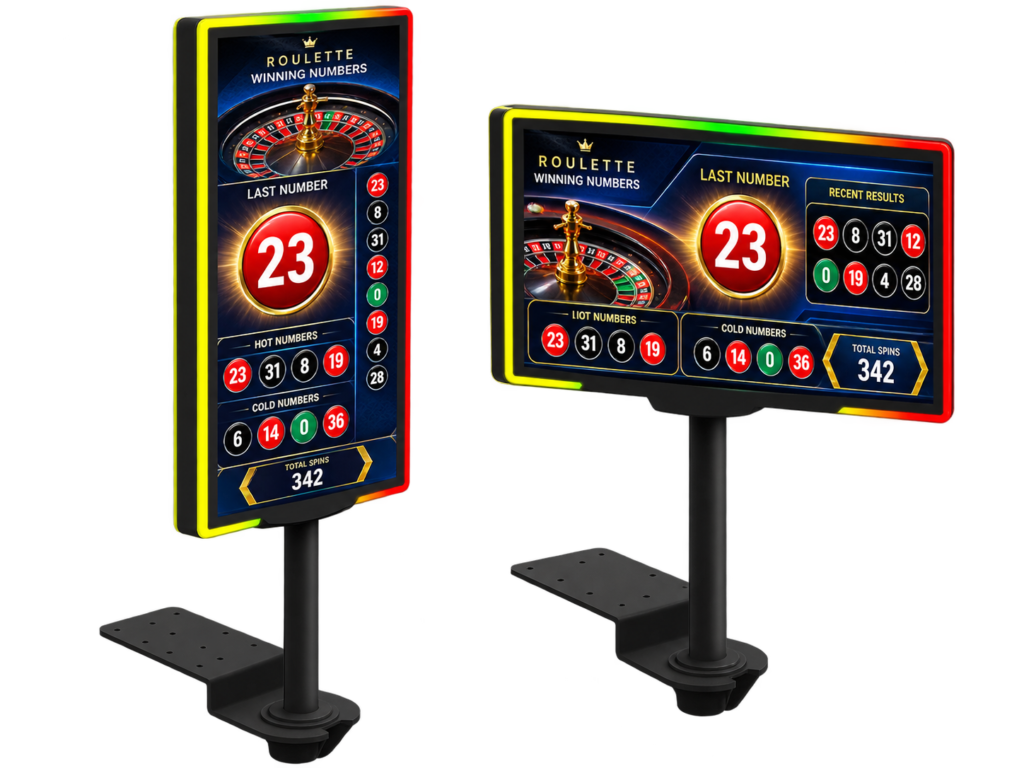
- Open-frame displays
- High-brightness monitors
- Outdoor and IP-rated displays
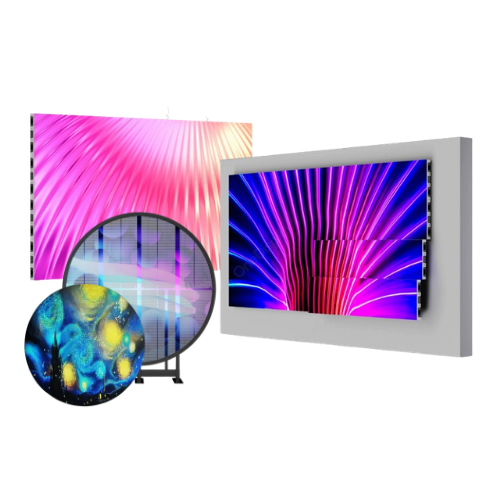
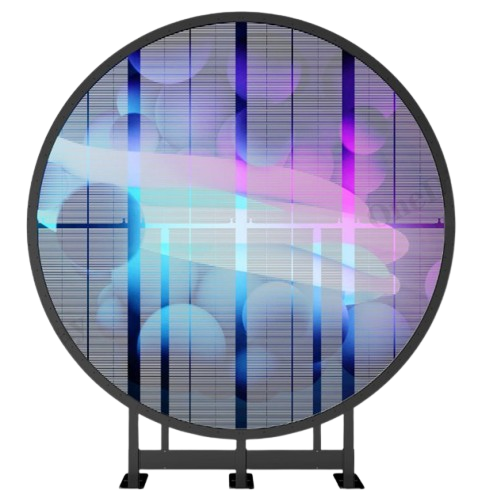
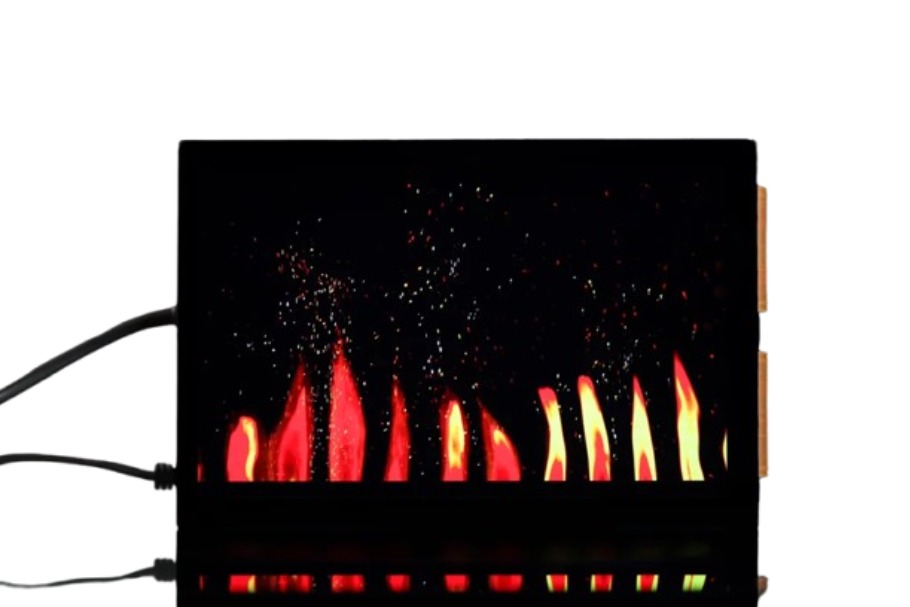
- Transparent OLED displays
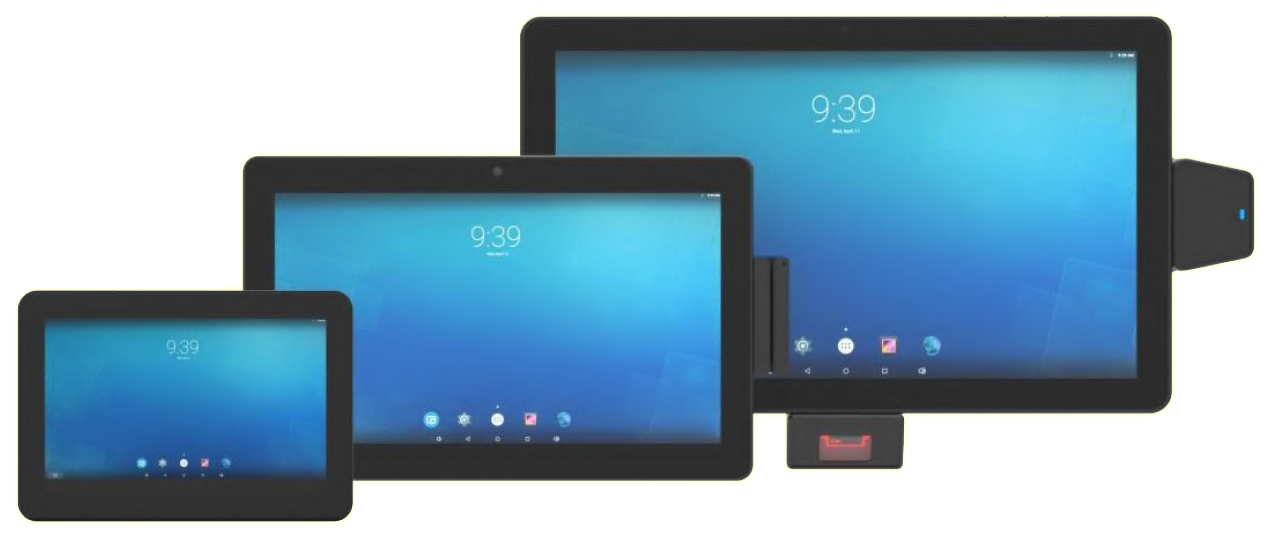
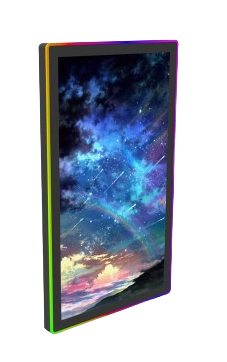
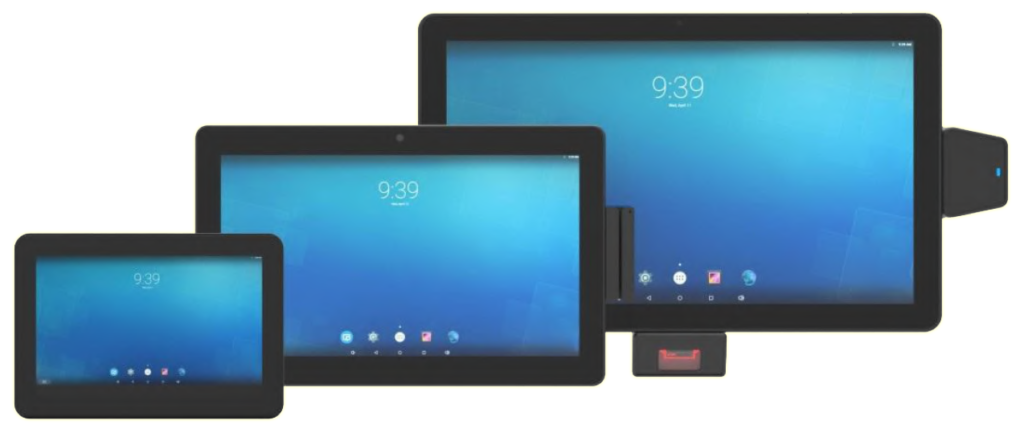
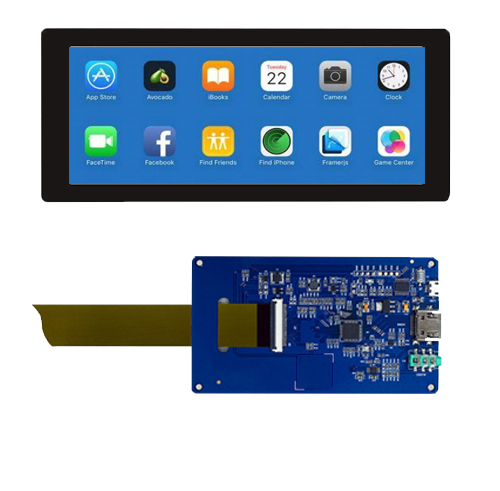
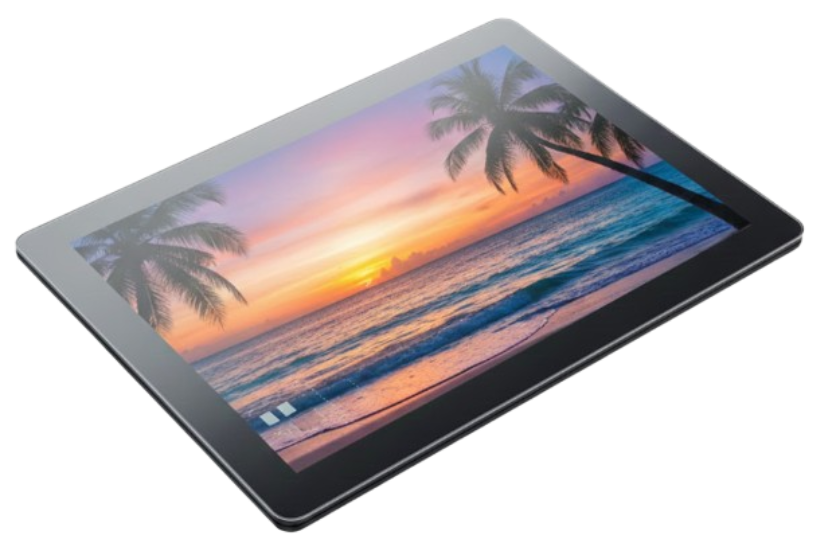
- Android or Windows-based touchscreen computers
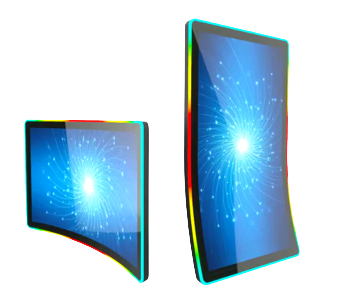
- Custom-built display solutions
The correct technology depends heavily on where the kiosk will be installed, how frequently it will be used and what users need to achieve.
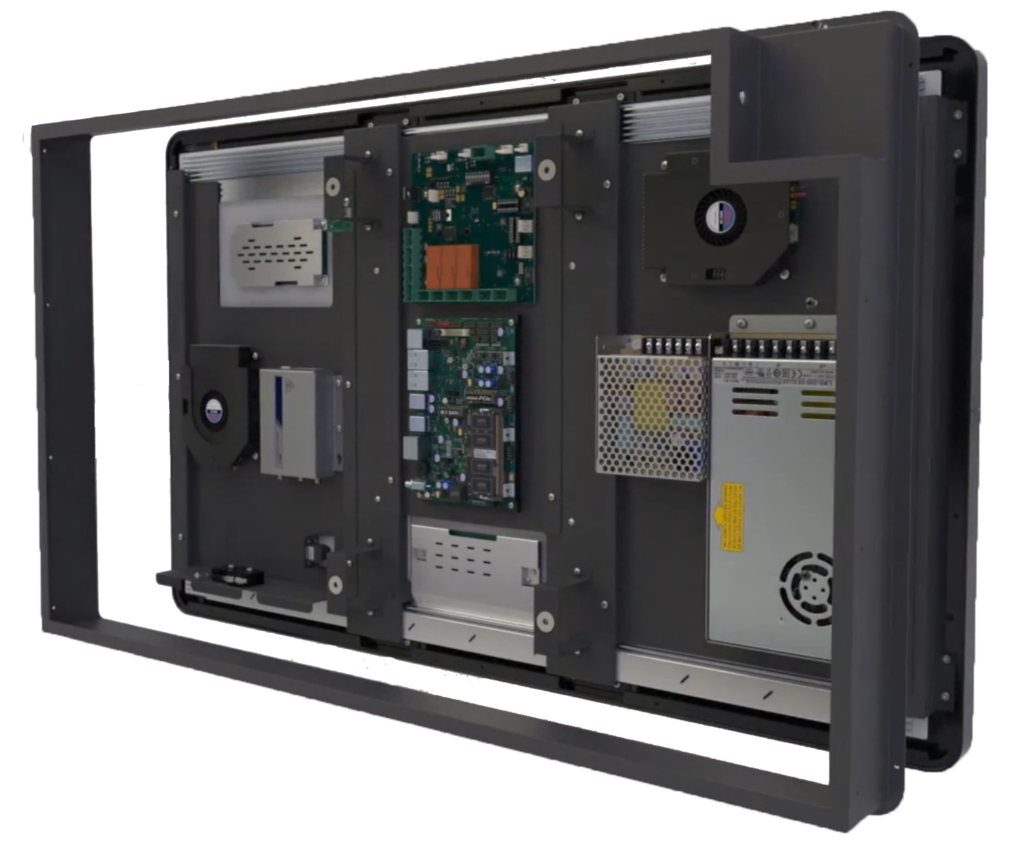
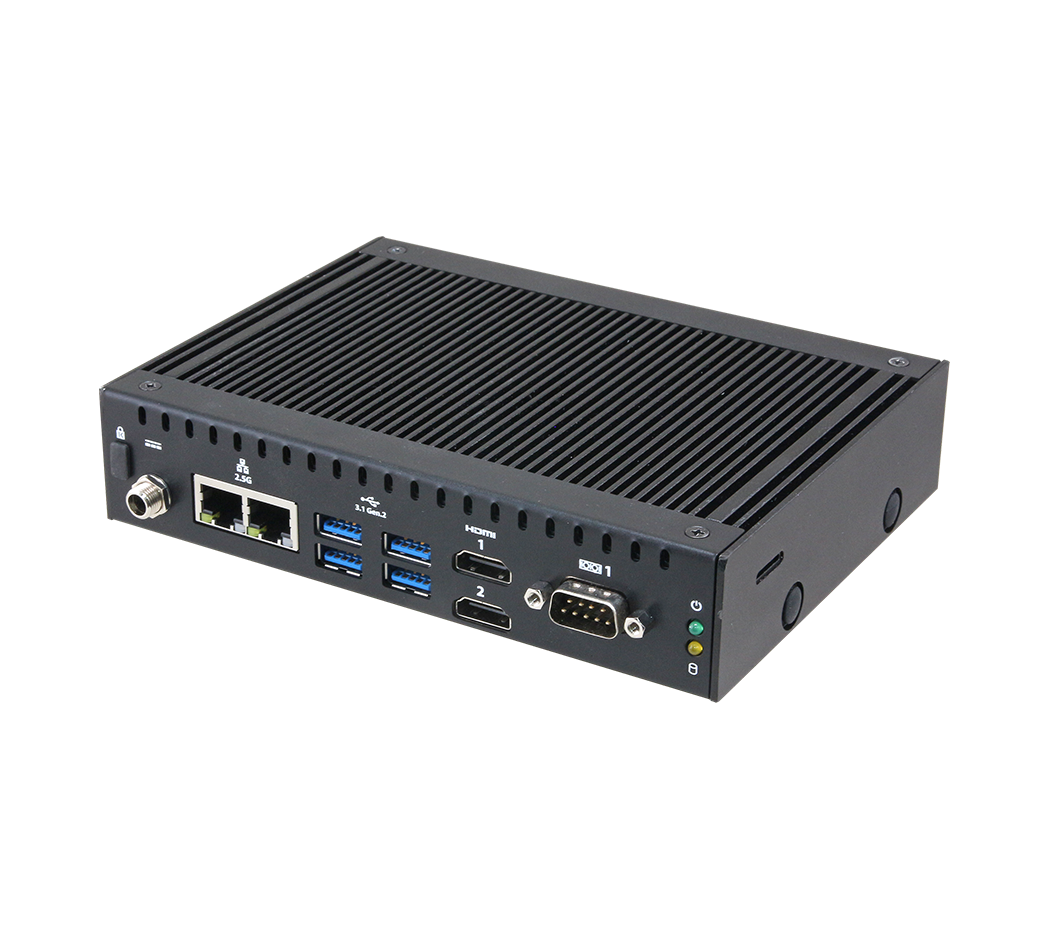
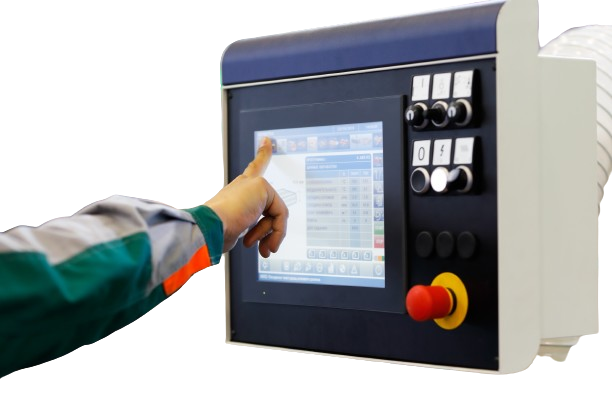
Industrial Panel PCs for All-in-One Kiosk Systems
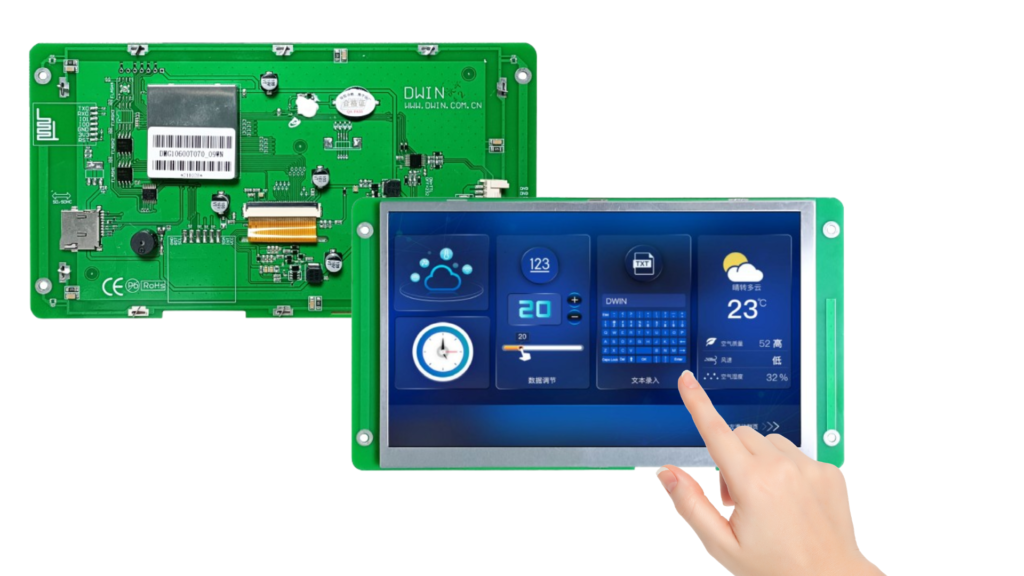
For kiosk manufacturers looking to simplify system integration, an Industrial Panel PC can provide an effective all-in-one solution.
Panel PCs combine the display, touchscreen and computer into a single integrated unit, reducing the number of separate components required inside the kiosk.
This makes them particularly useful for applications such as:
- Self-service terminals
- Factory and industrial kiosks
- Information points
- Check-in systems
- Building management interfaces
- Healthcare terminals
- Interactive retail systems
By combining computing and display functionality, Panel PCs can also help simplify installation and make future maintenance more straightforward.
CDS offers Industrial Panel PC technologies suitable for professional and demanding applications where reliability is just as important as the user experience.
Touchscreen Displays Create an Intuitive User Experience
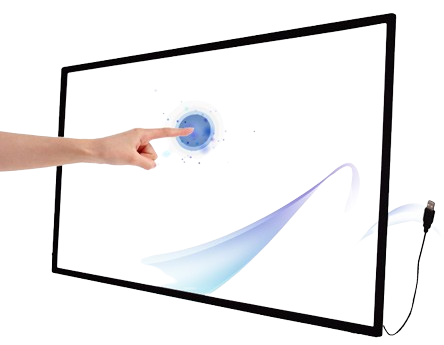
For most interactive kiosks, touchscreen performance is critical.
Users increasingly expect kiosk interfaces to respond in much the same way as smartphones and tablets. Smooth navigation, accurate touch response and clear on-screen information all contribute towards a more natural experience.
PCAP touchscreen technology is particularly well suited to modern kiosk applications, providing responsive multi-touch functionality and an attractive edge-to-edge glass appearance.
CDS interactive touch displays are available with PCAP touch technology and options including open-frame integration, making them suitable for installation directly into kiosks, tables and cabinets.
This flexibility allows kiosk designers to build the display into their enclosure rather than designing an entire system around a conventional monitor.
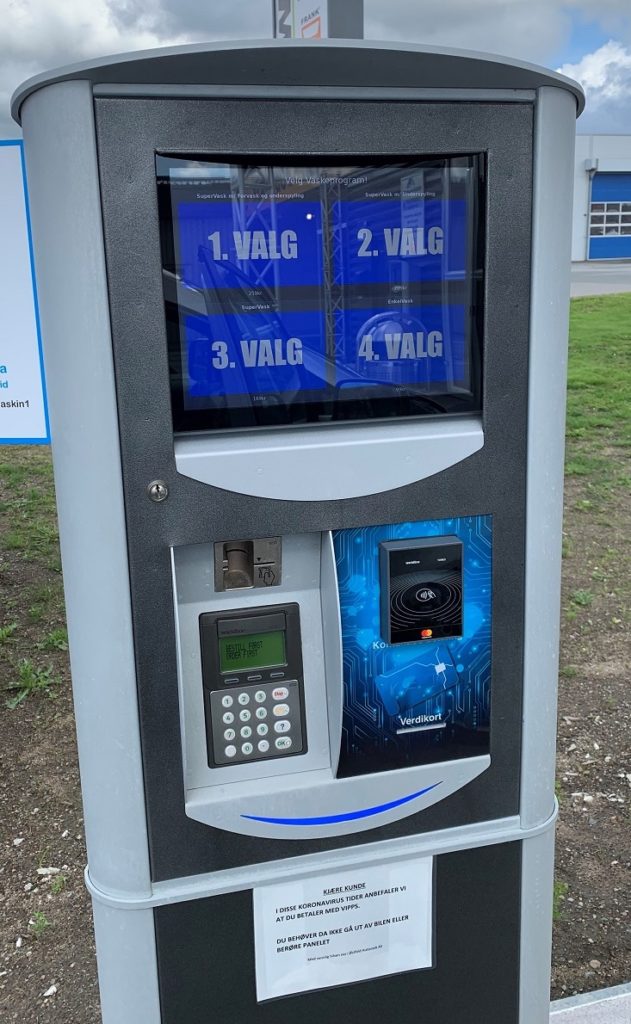
Outdoor Kiosk Displays Need Additional Protection
Installing a kiosk outside introduces a completely different set of challenges.
Rain, dust, moisture, temperature fluctuations and direct sunlight can all affect display performance and reliability.
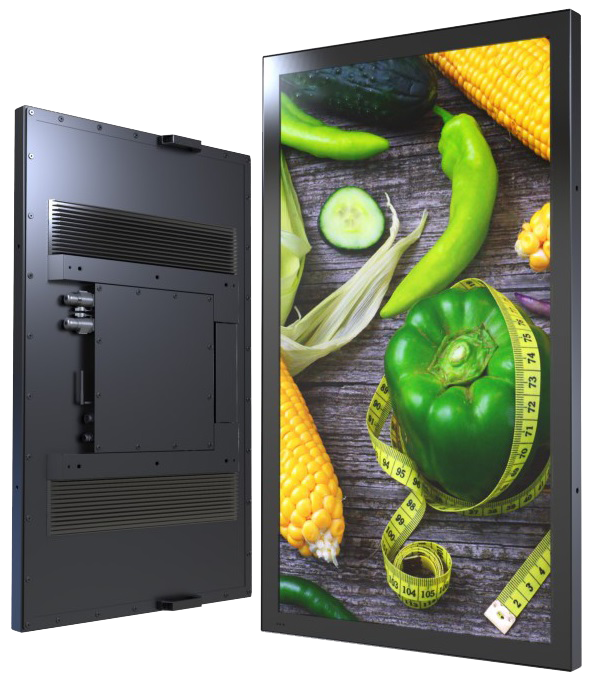
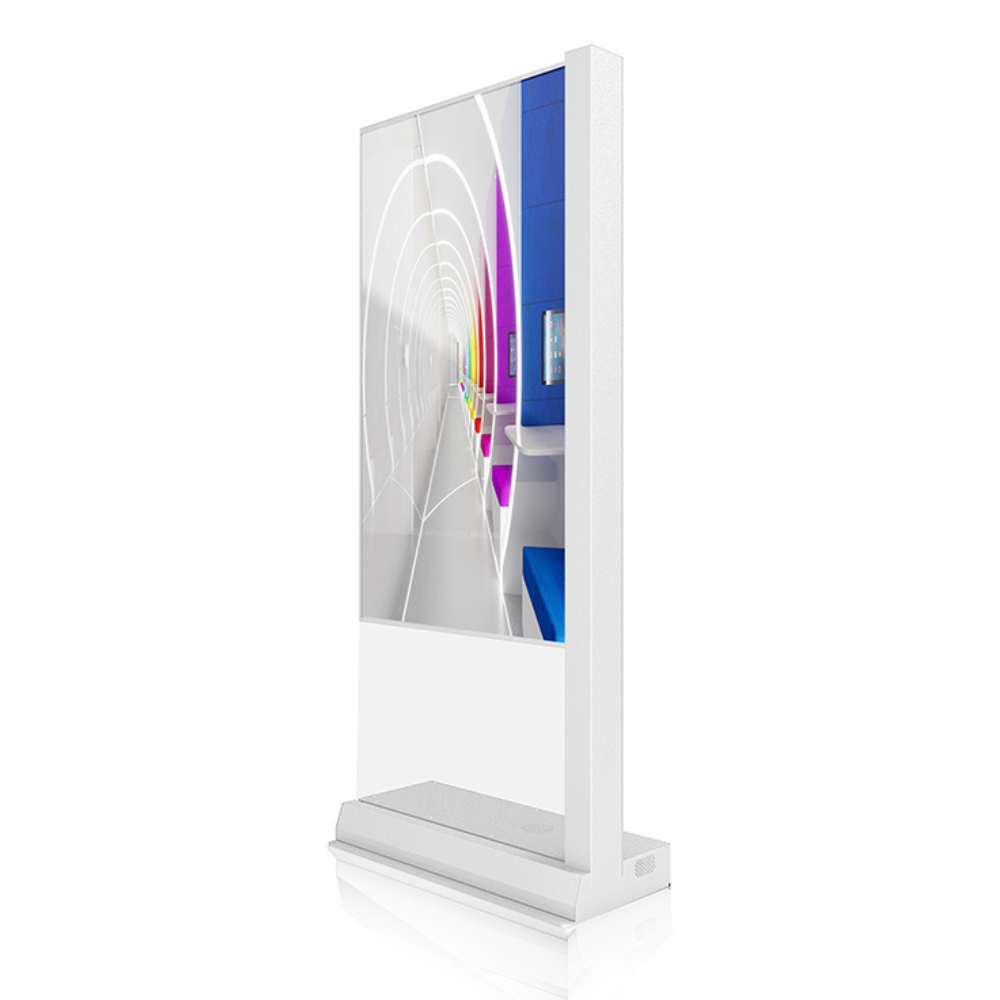
For these environments, outdoor and IP-rated kiosk displays can provide additional protection against environmental conditions. CDS offers sealed display solutions designed for demanding outdoor applications.
Outdoor kiosks can be used for applications including:
- Ticketing
- Transport information
- Wayfinding
- Drive-through ordering
- Visitor information
- Public services
- Outdoor attractions
- Car parks
- Smart city applications
Environmental conditions should therefore be considered at the very beginning of a kiosk project rather than after the enclosure has already been designed.
High-Brightness Displays for Sunlit Locations
Outdoor installations are not the only kiosks affected by sunlight.
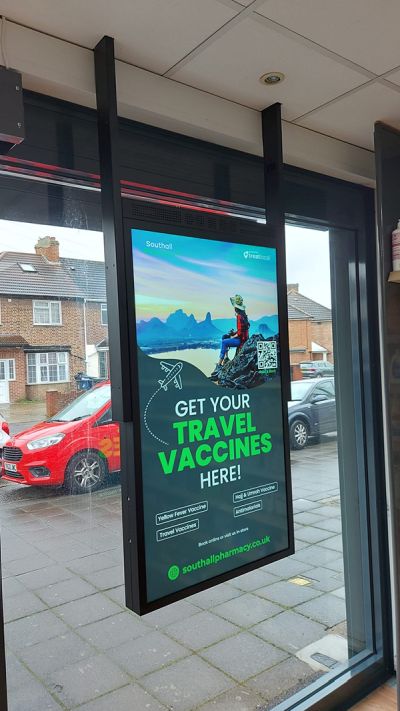
A kiosk positioned inside a shop window, beside a glass entrance or within a brightly illuminated public space can experience enough ambient light to make a conventional display difficult to read.
High-brightness kiosk displays provide increased luminance to maintain clearer, more visible content in challenging lighting environments.
CDS specifically offers high-brightness solutions for applications including sunlit entrances and other locations where ambient lighting could compromise conventional display visibility.
Selecting the correct brightness can improve usability without unnecessarily increasing power consumption or system cost.
Transparent OLED Kiosks Create Something Different
Not every kiosk needs to look like a traditional touchscreen terminal.
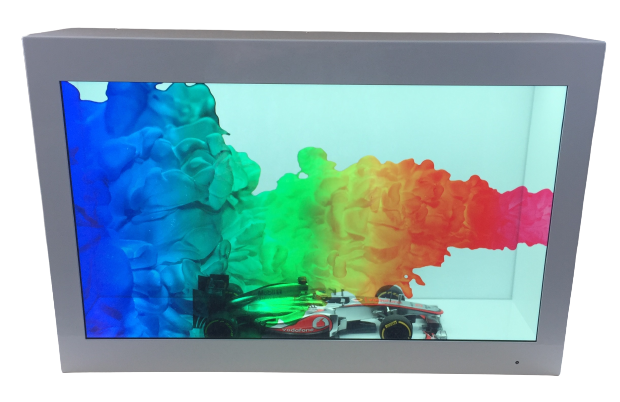
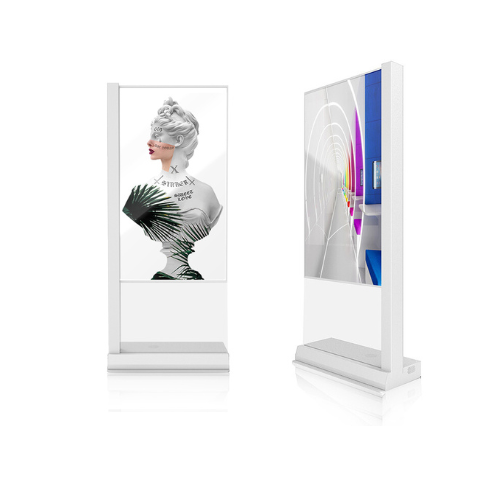
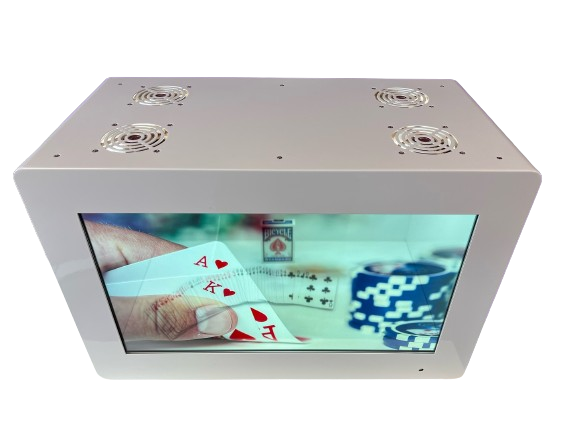
For premium retail, exhibitions, museums, showrooms and experience-led environments, Transparent OLED technology can transform the display itself into part of the attraction.
Rather than completely obscuring what is behind the screen, transparent OLED technology allows digital content to appear while physical objects or the surrounding environment remain visible.
This creates opportunities to combine physical and digital experiences within one kiosk.
For example, a retailer could place a physical product behind a transparent display while presenting specifications, animation or promotional content over the product.
CDS includes Transparent OLED within its kiosk display range for projects where creating a distinctive and engaging customer experience is particularly important.
One of the biggest advantages of kiosk technology is its versatility.
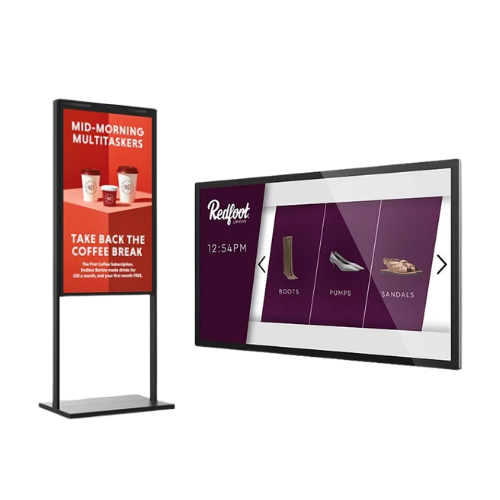
Retail
Interactive product catalogues, endless-aisle systems, product selectors, self-checkout terminals and promotional experiences can give shoppers greater control over their purchasing journey.
Hospitality
Hotels, restaurants and entertainment venues can use kiosks for check-in, reservations, ordering, ticket collection and visitor information.
Healthcare
Touchscreen kiosks can support patient check-in, appointment information, wayfinding and other self-service processes.
Transport
Airports, railway stations, bus terminals and other transport locations can use kiosk displays for ticketing, check-in, journey information and navigation.
Industrial
Industrial touchscreen systems can provide access to production information, documentation, controls or monitoring systems in factories and other working environments.
Museums and Visitor Attractions
Interactive kiosks can provide maps, educational information, multimedia content and interactive exhibits that allow visitors to explore information at their own pace.
There is no single display configuration that suits every kiosk project.
Before selecting the hardware, consider questions such as:
Where will the kiosk be installed?
Indoor, outdoor and semi-outdoor environments have very different requirements.
How bright is the environment?
High ambient light may require a high-brightness display.
Will users interact with the screen?
If so, consider the touchscreen technology, cover glass and expected frequency of use.
Do you need integrated computing?
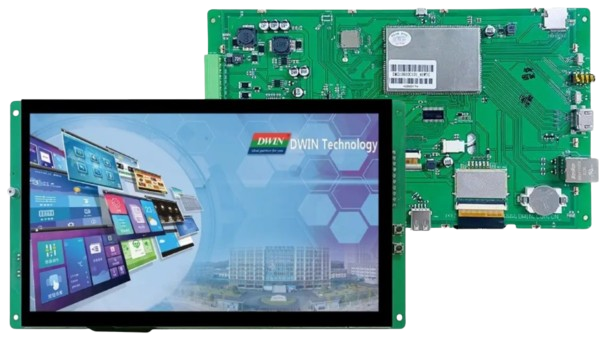
An Industrial Panel PC or Android touchscreen computer could reduce the amount of additional hardware required.
How will the display be mounted?
Open-frame solutions can be particularly useful when the screen needs to sit flush within a custom enclosure.
Will the solution be used continuously?
Commercial and industrial kiosk applications require hardware designed for substantially different operating conditions from consumer tablets and monitors.
Answering these questions early can prevent expensive redesigns later in the project.
Custom Kiosk Displays for More Demanding Projects
Sometimes an off-the-shelf display is not quite right.
The enclosure may require unusual mounting points. The cover glass may need to incorporate branding. The system may require high brightness, optical bonding, specific connectivity, an integrated computer or additional environmental protection.
This is where a custom kiosk display solution can become particularly valuable.
CDS can support customised display projects covering areas such as mechanical design, cover glass, touch integration, brightness, optical bonding, electronics, operating systems and bespoke mounting requirements.
Rather than forcing the kiosk enclosure to fit around an existing screen, the display can therefore be developed around the needs of the finished application.
Successful kiosk projects require more than simply choosing a screen size.
Display brightness, touch technology, environmental protection, computing requirements, mechanical integration and long-term reliability can all influence the success of the finished system.
CDS works with OEMs, integrators and businesses to help identify display technologies suited to their individual applications.
Our new Kiosk Displays page brings together some of the technologies available for modern kiosk projects, including:
- Industrial Panel PCs
- Touchscreen solutions
- Outdoor and IP-rated displays
- High-brightness displays
- Transparent OLED kiosk solutions
- Custom display options
Whether you are developing a single specialist kiosk or planning a larger deployment, our team can help you explore the available options.
Kiosks are continuing to evolve from simple information terminals into powerful interactive systems capable of improving customer service, automating processes and creating more engaging digital experiences.
The display sits at the centre of that experience.
If you are designing a new interactive kiosk, self-service terminal or touchscreen system, explore our new Kiosk Displays range and speak to the CDS team about the most appropriate technology for your project.
Explore our Kiosk Displays: [Visit the CDS Kiosk Displays page]
Discuss your project with CDS:
Call: +44 (0)1634 791 600
Email: info@crystal-display.com
CDS – Helping you create the right display solution for your application.
Need More Information?
CALL US +44 (0)1634 791600